DevOps
How to Use Specific Node.js Version in Coolify using Nixpacks
This will set the Node.js to the major Version of 22, however, this way, you don’t have any control over which major 22.x version will be installed and used for your build.

Posts about my learnings, experiences and hobbies. Enjoy reading!
This will set the Node.js to the major Version of 22, however, this way, you don’t have any control over which major 22.x version will be installed and used for your build.
On this blog post, I’ll go through a step-by-step guide on how to integrate this UI Library with your Nuxt application.
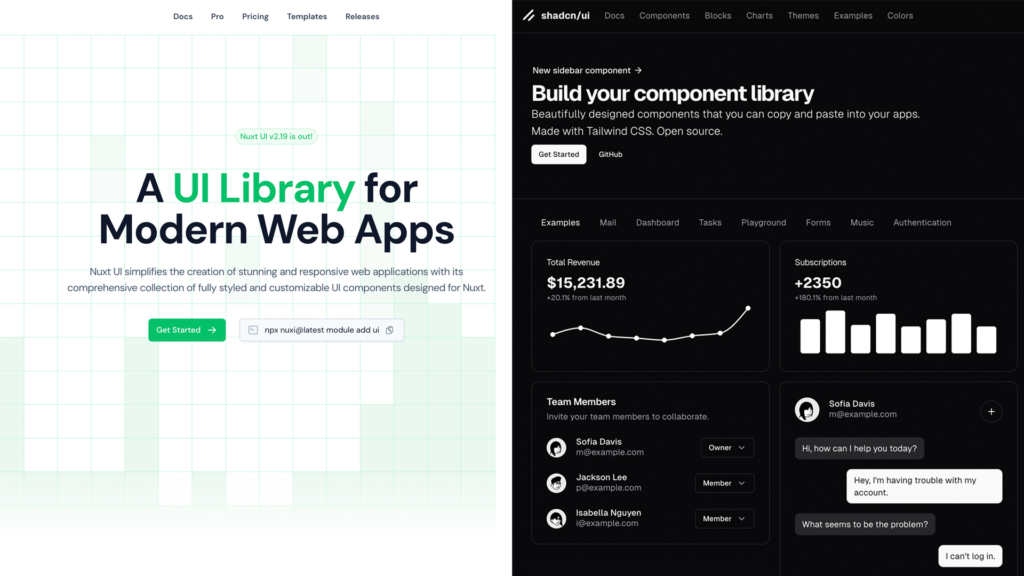
In this article, we will compare the two, examining their strengths, setup processes, customization options, performance, and best use cases.